

Why CMOs Are Turning to Chrome Extensions in 2026

These little tools are game changers for SEO audits, analytics troubleshooting, outreach efficiency, and more. CMOs are catching on fast because, honestly, who has time to waste?
If your SEO visibility isn’t where it should be or your outreach feels sluggish, browser plugins are your secret weapon. They hand you quick wins and instant productivity and let your team bypass lengthy tech conversations.
This isn’t about having cool widgets on your browser; these tools deliver tangible results, freeing up your bandwidth and enhancing autonomy.
The Essential Chrome Extensions for Modern CMOs
Here’s a no-fluff guide to the best Chrome extensions that’ll supercharge your marketing workflows.
1. SEOquake: Real-Time SERP Auditing at a Glance
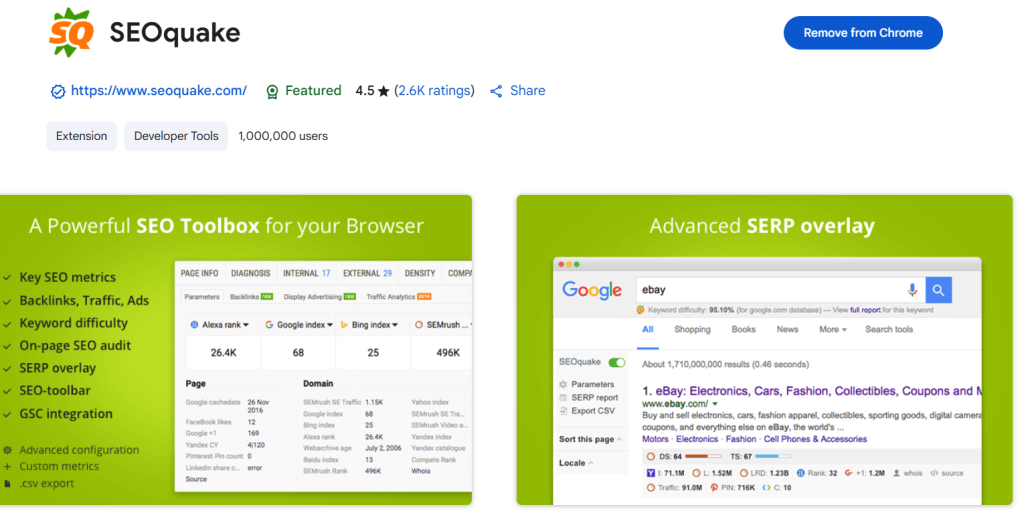
SEOquake provides real-time data for search engine results pages (SERPs). It helps marketers quickly evaluate competitor pages by providing detailed metrics like keyword density, internal and external link counts, and instant indexing statuses. Use it to swiftly perform SEO audits and generate instant comparisons between your pages and competitor content.
2. MOZBar: On-Page SEO & DA Checker
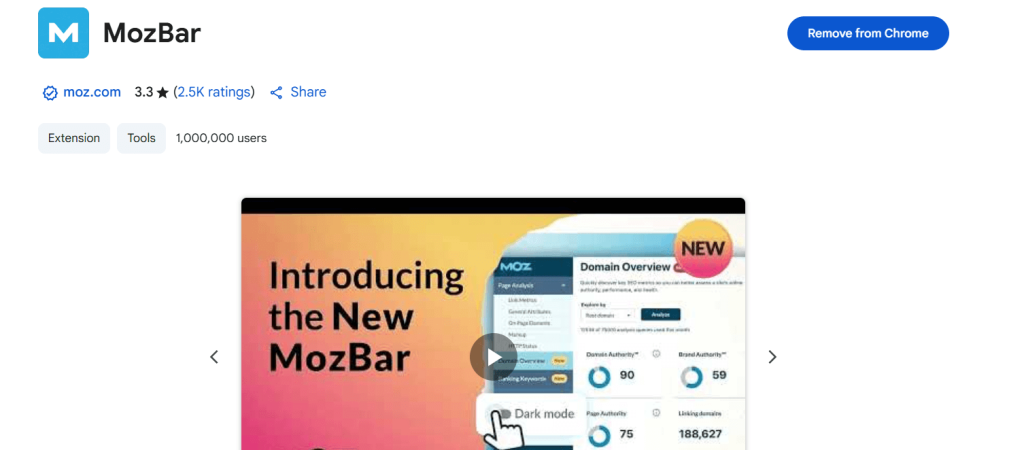
Important SEO metrics like spam scores, page authority (PA), and domain authority (DA) are rapidly displayed in your browser by MOZBar. Making educated decisions about outreach initiatives and evaluating the caliber of possible backlinks requires the use of this crucial tool.
Moreover, MOZBar provides on-page SEO elements like header structures, meta tags, and page load speed that help CMOs optimize their websites for better performance and visibility.
3. SEO Meta in 1 Click: Clean Meta & Header Inspection
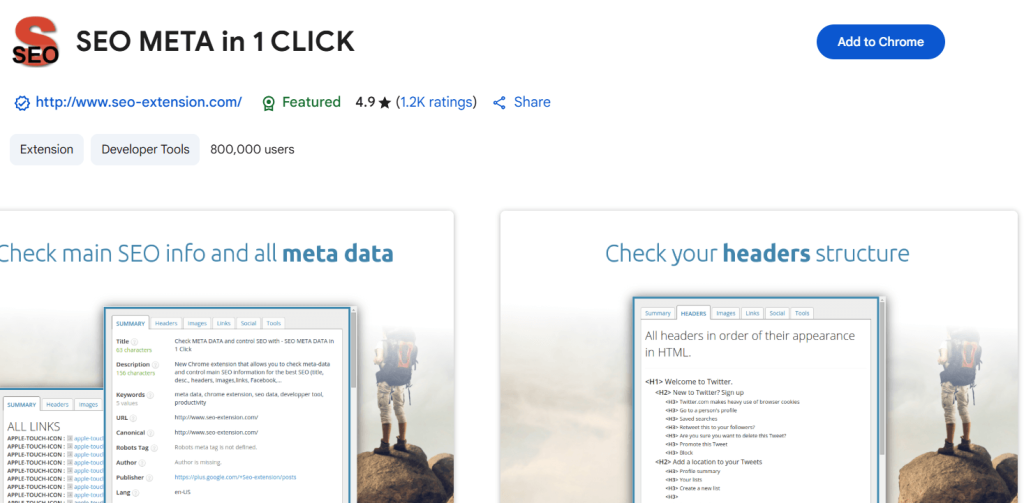
Your go-to resource for quickly locating hidden SEO problems is SEO Meta in 1 Click. Before content is published, it helps marketers promptly fix invisible SEO errors by instantly displaying headers, alt texts, meta descriptions, and canonical tags. This tool is perfect for quick spot checks to make sure every page of a website complies with SEO best practices, which will enhance search engine performance in general.
4. Hunter: B2B Email Finder & Verifier
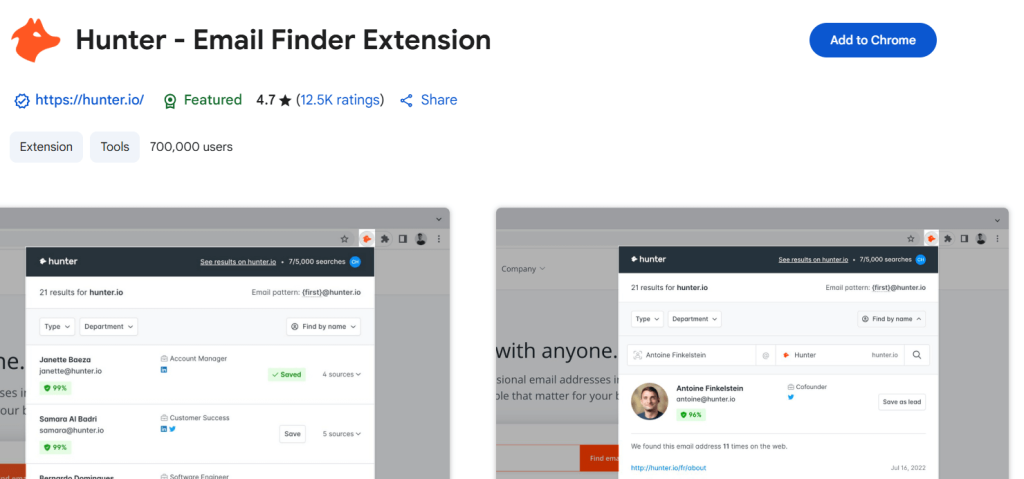
Hunter streamlines the time-consuming process of locating precise business emails. Targeted email campaigns and quick outreach are made possible by extracting and validating contact details from LinkedIn and business websites. This tool greatly improves the efficacy and efficiency of lead-generation efforts by integrating easily with Google Sheets and well-known CRMs like HubSpot.
5. Snov.io: Automated Lead Sourcing & CRM Enrichment
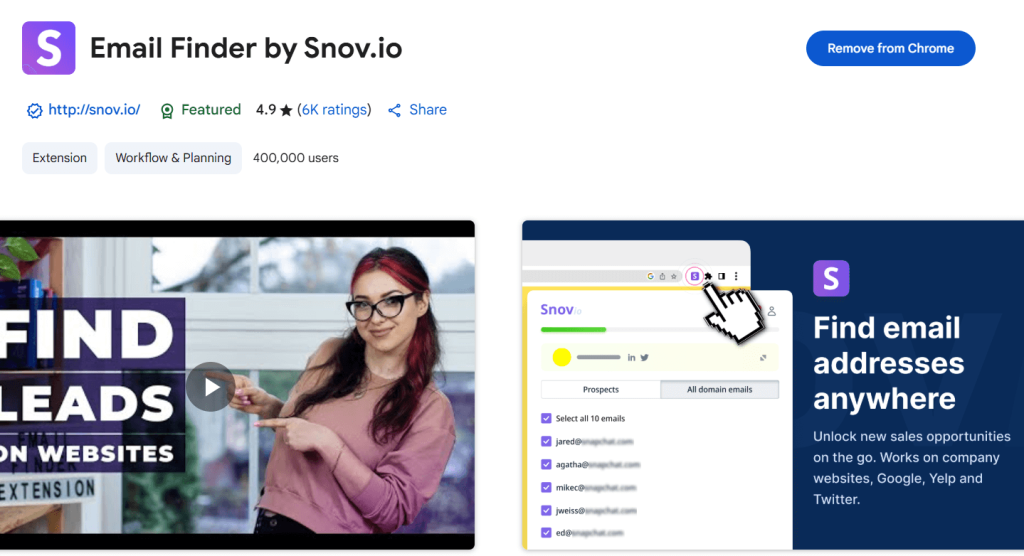
Snov.io makes it a breeze to find and verify leads from various online platforms, streamlining the lead generation process and enhancing CRM data. This handy extension allows marketers to effectively segment and nurture their leads, thanks to features like drip campaigns and real-time analytics. Plus, it integrates smoothly with top CRM systems, boosting collaboration between sales and marketing teams while significantly reducing the need for manual data entry.
6. Link Grabber: Extract All Links from a Web Page
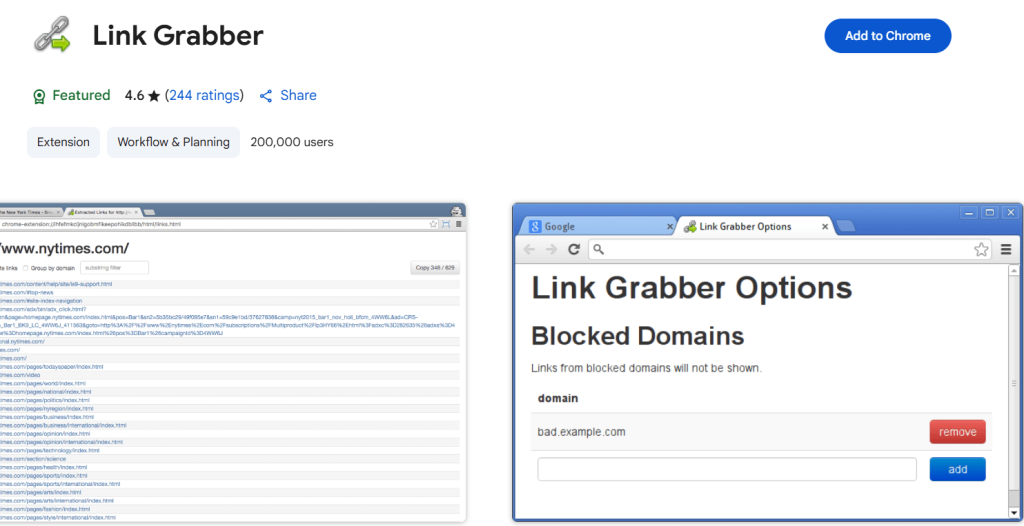
Link Grabber quickly and efficiently extracts all hyperlinks from any webpage. For marketers who want to quickly create targeted outreach lists or examine the backlink profiles of competitors, this tool is invaluable. Just go to a website, turn on Link Grabber, and export your list in a matter of seconds for competitive analysis and strategic link-building.
7. Google Tag Assistant: Fix Broken Tagging in Real-Time
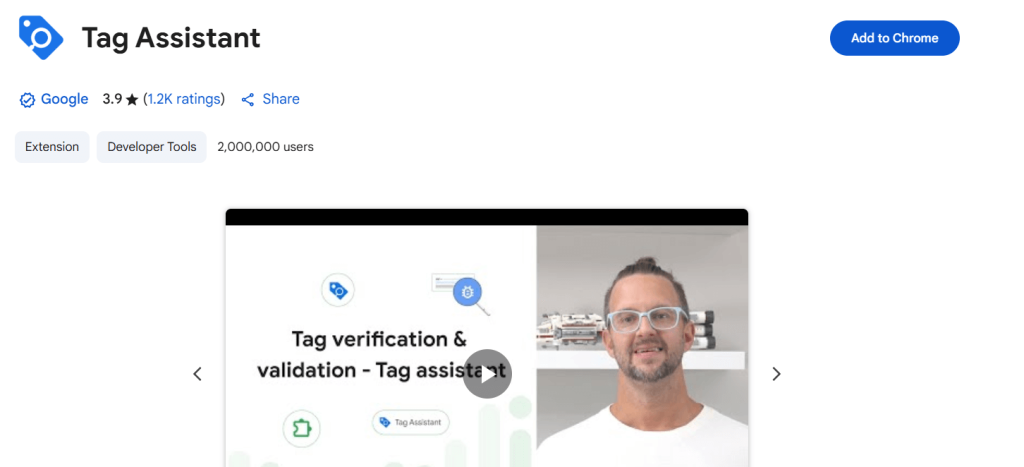
The challenging task of troubleshooting analytics tags is greatly simplified by Google Tag Assistant. To ensure that your data is accurate, it assists you in identifying and resolving problems with Google Analytics, Google Ads, and Google Tag Manager.
8. NoFollow: Find Unfollowed Links on Pages
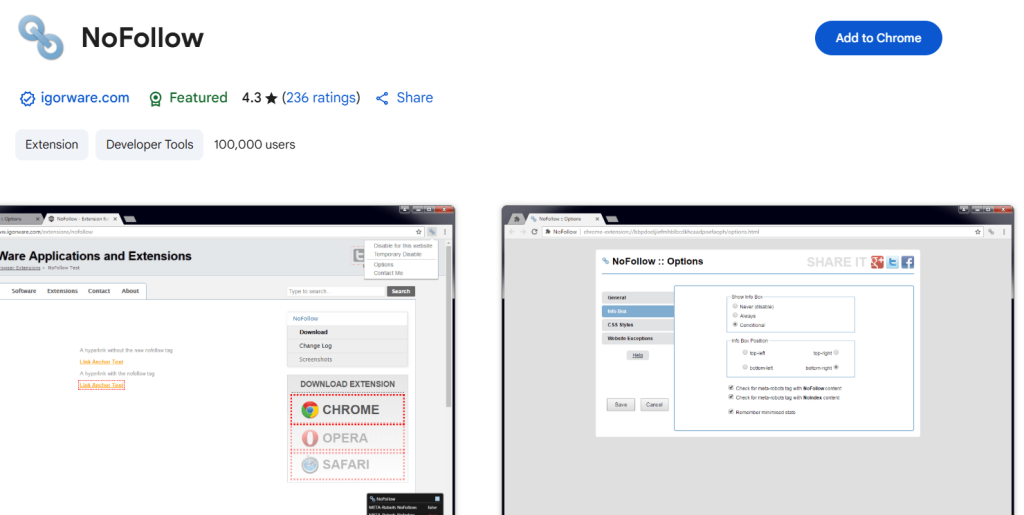
NoFollow highlights “nofollow” links clearly on any webpage, allowing marketers to quickly discern which links do not contribute to SEO value. This immediate visibility helps refine backlink strategies and identify sponsored or affiliate links quickly, optimizing overall link-building efforts.
9. Loom: Quick Video Messaging for Teams
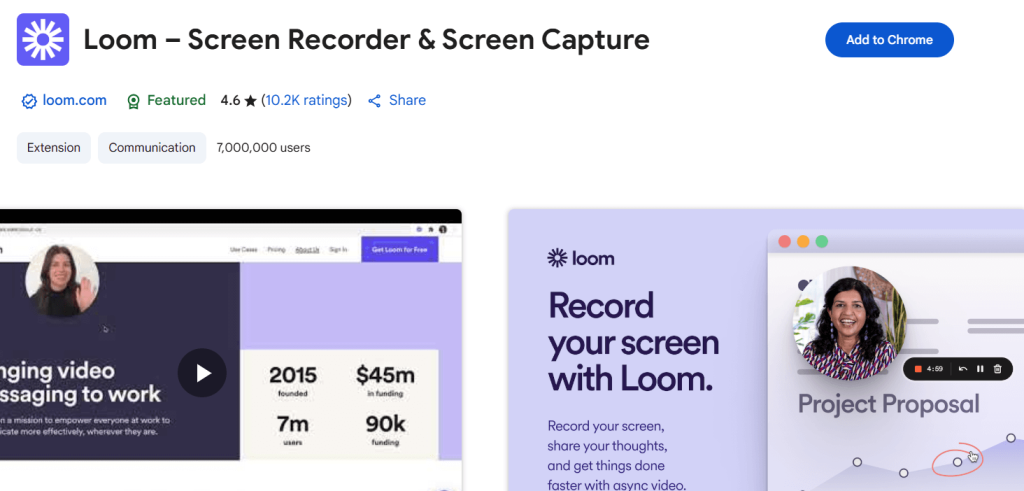
Loom is revolutionizing team communication by simplifying the process of recording and sharing videos. Loom makes it simple to share links and record videos in real time, whether you’re conducting remote meetings, discussing strategies, or providing feedback on projects.
10. TubeBuddy: YouTube SEO & Content Optimization
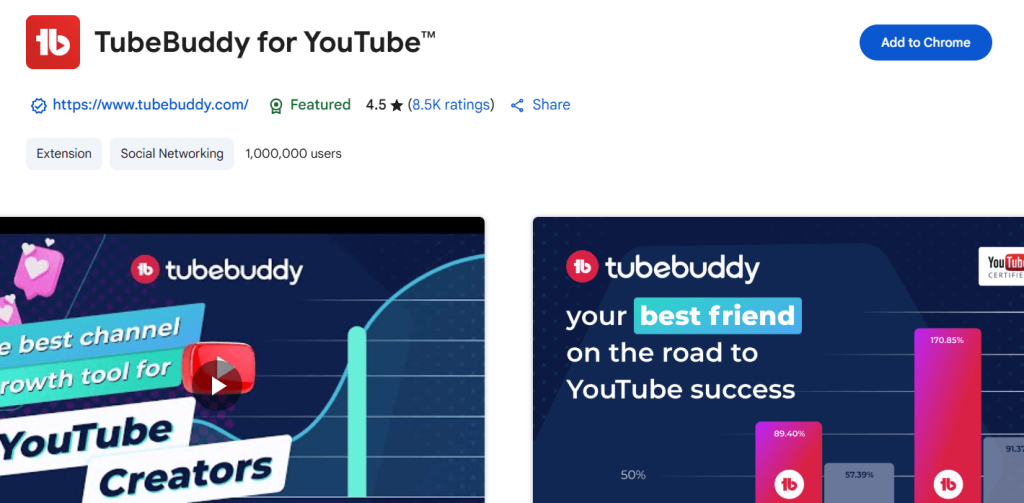
TubeBuddy offers keyword insights, ranking analysis, and competitor benchmarking in addition to optimizing YouTube content and SEO. TubeBuddy is a must-have for video marketers because it increases visibility, enhances video performance metrics, and streamlines the content planning process.
11. uBlock Origin: Clean Up Your Browser Noise
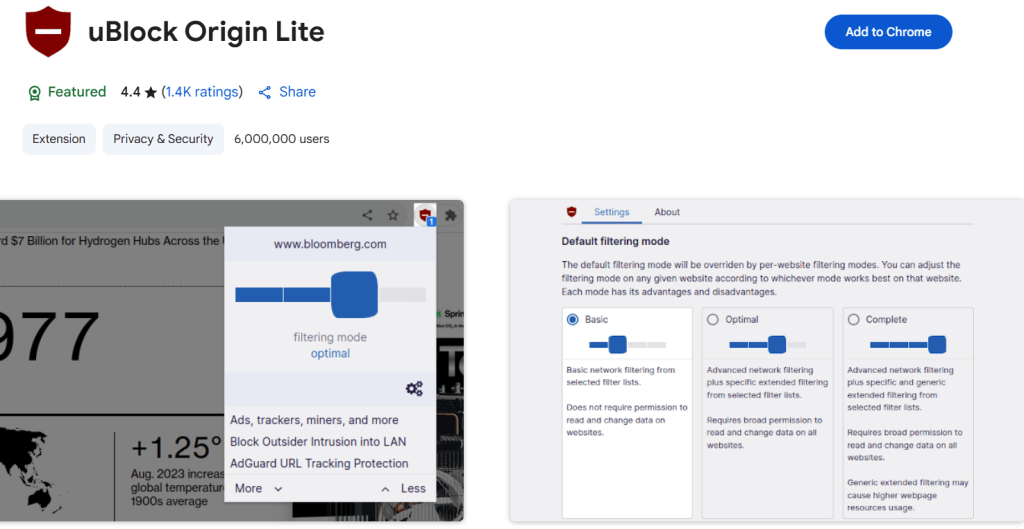
This one gets removed by Chrome as per their Manifest V3. Though you can still get the code and load it manually by allowing legacy settings inside Chrome. This helps by preventing intrusive advertisements, trackers, and unwanted pop-ups, uBlock Origin removes browser distractions. Simplifying your browsing experience guarantees a concentrated work environment during periods of in-depth research or strategy development and increases productivity. Advertisers hate them.
12. Google Calendar Sidebar
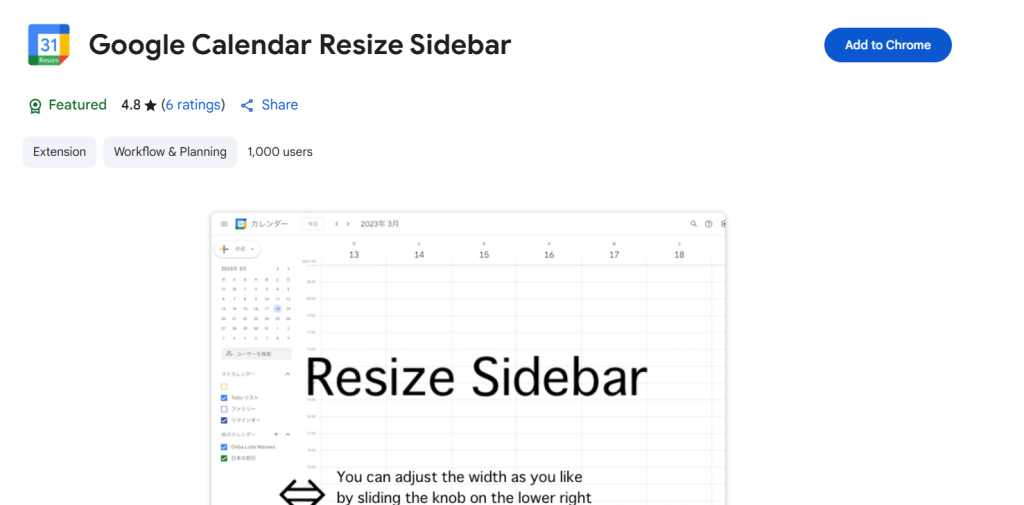
The Google Calendar Sidebar removes the inconvenience of continuously switching tabs to view your tasks and meetings by integrating your calendar directly into your browser. It guarantees a smooth workflow, which makes it very simple for you to maintain organization and ensure that your everyday activities go without a hitch.
13. Assistant.ai: AI Assistant for Research & Summarization
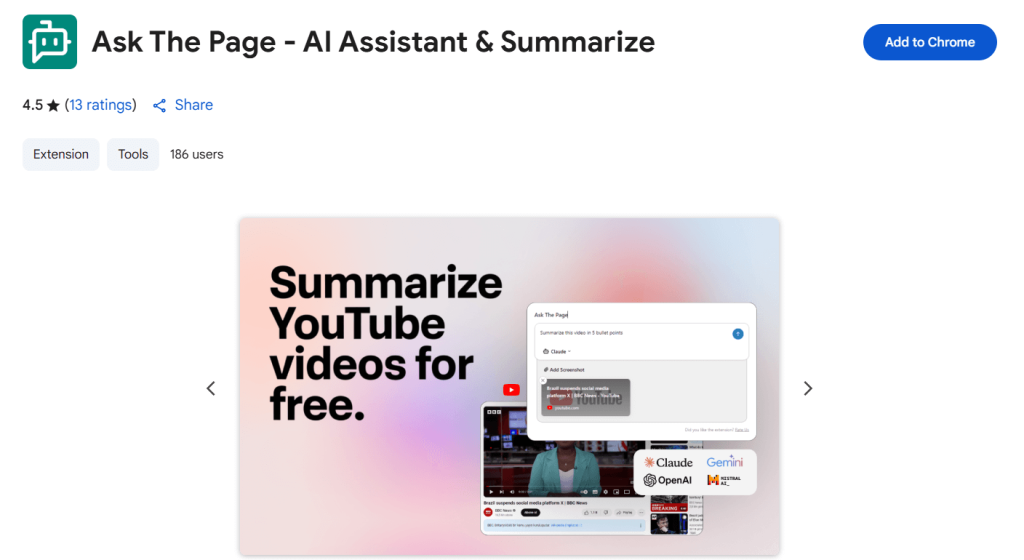
Assistant.ai uses artificial intelligence to rapidly summarize dense competitor reports and lengthy articles. This tool integrates effectively with GPT-based platforms, enabling marketers to extract strategic insights quickly, enhance decision-making accuracy, and regain control over complex marketing data.
Tool Comparison Matrix: Function vs Benefit for CMOs
| Tool | Category | Best For | Time Saved | Complexity | Stack-Friendly |
| SEOquake | SEO | SERP auditing | High | Easy | Yes |
| MOZBar | SEO | Domain & page authority checking | Moderate | Easy | Yes |
| SEO Meta in 1 Click | SEO | Meta inspection & SEO QA | Moderate | Easy | Yes |
| Hunter | Lead Gen | Finding verified B2B emails | Moderate | Medium | Yes |
| Snov.io | Lead Gen | CRM enrichment + email campaigns | Moderate | Medium | Yes |
| Link Grabber | Outreach | Extracting links from webpages | Low | Easy | Yes |
| Google Tag Assistant | Analytics | Tag/pixel issue troubleshooting | Moderate | Medium | Yes |
| NoFollow | SEO | Spotting nofollow backlinks | Low | Easy | Yes |
| Loom | Communication | Quick team video messaging | High | Easy | Yes |
| TubeBuddy | Video Marketing | YouTube SEO and ranking tools | Moderate | Medium | Yes |
| uBlock Origin | Productivity | Blocking ads and improving focus | Moderate | Easy | Yes |
| Google Calendar | Productivity | Calendar access within the browser | Low | Easy | Yes |
| Assistant.ai | AI Research | Summarizing content and research | Moderate | Medium | Yes |
How to Choose the Best Chrome Extensions for Your Marketing Stack

Choosing the right Chrome extensions for your marketing stack isn’t about having the most tools; it’s about having the right ones that make your workflows smoother, not heavier. Start by aligning each extension with your current stack. If your team lives in HubSpot, GA4, Gmail, or LinkedIn, look for plugins that integrate with or complement those platforms.
Next, avoid clutter. Just because a plugin seems helpful doesn’t mean your entire team needs it. A good rule? Stick to two or three high-impact tools per workflow (like SEO, outreach, or reporting). Test them in a live setting, gather feedback from your team, and review performance impact over time.
Take into account each extension’s ease of use as well. Select tools with simple user interfaces and little setup if your marketing team isn’t very technical. Extra credit is given to Chrome plugins that include knowledge bases or onboarding tutorials.
Finally, keep security in mind. Extensions can introduce risks if they access sensitive data. Always install from reputable developers, read reviews, and keep plugins updated. A streamlined, secure, and strategic browser setup can give your team the edge to move faster and work smarter, without slowing down your Chrome browser or your marketing performance.
Final Thoughts: The Chrome Stack Advantage for CMOs
Ultimately, these Chrome plugins help CMOs act quickly, analyze effectively, and scale marketing operations with precision. The beauty of these extensions is that they don’t just save time, they hand you back strategic control, giving you more space to think big, innovate, and lead smarter.